Android
Install JetTun and connect
Download the app, sign in through Telegram and create your protected connection.
- Download JetTun for Android.
- Open the application.
- Sign in through Telegram.
- Select a plan and connect.
JetTun helps you create a private tunnel for your device, select a location and manage your subscription through Telegram — without complicated manual setup.
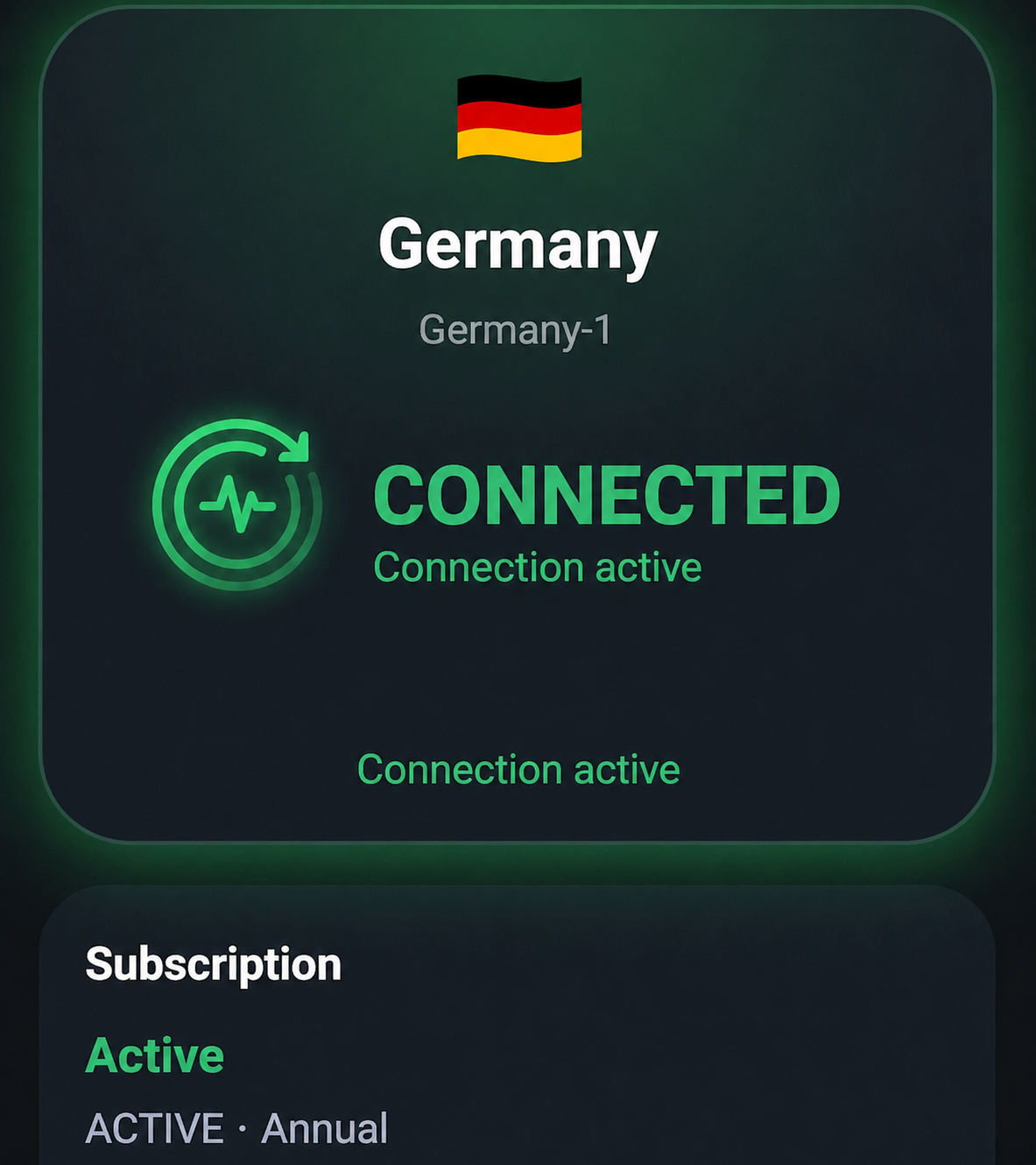
The service is designed so users can get access quickly through the app, Telegram bot and a simple personal dashboard.
Personal access for your device without complicated manual configuration.
Connect to available servers and choose the most suitable country.
Login, subscription, payments and access management are available via bot.
A simple interface for dashboard, tariffs, connection and access renewal.
Install JetTun Desktop, sign in with QR and connect without manual config import.
Download the app, sign in with Telegram, get access and connect in minutes.
Choose a trial, starter or main plan. Subscriptions are managed through the Telegram bot.
For testing the service. Available once per user.
A light monthly option to get started with JetTun.
The optimal plan for regular use.
A yearly starter plan for long-term use.
Maximum value for continuous use.
It takes only a few minutes from installation to your first connection.
Install the Android app or Windows desktop app from this website.
Open the app through the bot, use a login code or scan a desktop QR code.
Activate a free trial or purchase a subscription.
JetTun creates access for your device and starts the connection automatically.
JetTun is available as an Android app and as a Windows desktop app. For macOS, Linux and iOS, you can use a configuration file with compatible apps.
Quick instructions for Android, iPhone, iPad and macOS.
Android
Download the app, sign in through Telegram and create your protected connection.
iPhone · iPad · macOS
Get a temporary WireGuard configuration, open Telegram and continue in the JetTun bot.
Short answers about how JetTun works and what to do after installation.
Yes. A 3-day trial is available once per user.
No. You can sign in through Telegram or use a login code from the Telegram bot.
The number of devices depends on your plan. You can remove an old device and add a new one in your dashboard.
Remove the old device from the dashboard or Telegram bot, then get access again on the new device.
Subscriptions are purchased through the JetTun Telegram bot. Payments, history and access management are available there as well.
Yes. Android and Windows have JetTun apps. macOS, Linux and iOS can use configuration files with compatible apps.
Get trial access, choose a location and check how JetTun works on your device.
JetTun is intended for protecting your connection and providing convenient access to the service. Do not use the service for activities that violate the laws of your country, website or service rules, or the rights of third parties.